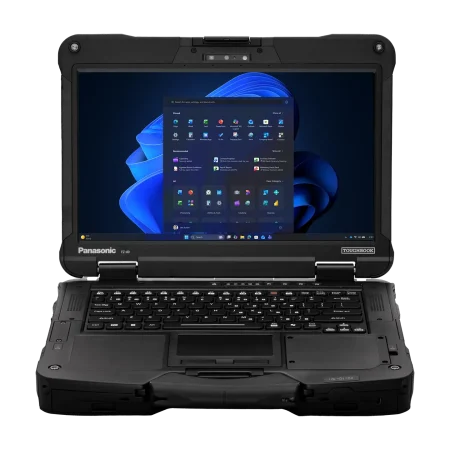



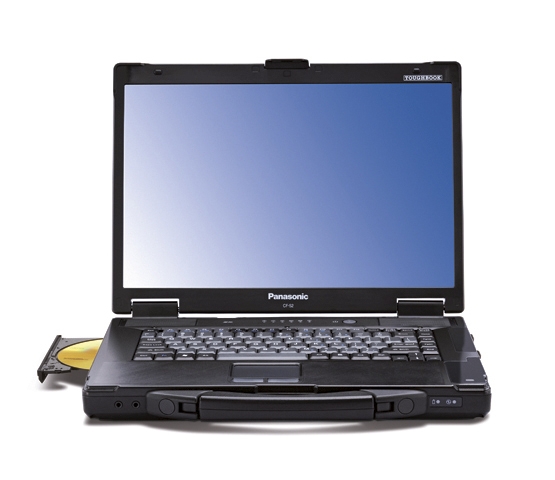
Choosing a laptop for a warehouse, service vehicle, construction office, repair facility, or other demanding workplace involves different priorities than buying a computer for a conventional desk. A panasonic cf 52 toughbook laptop can be worth considering when durability, a larger screen, practical configuration choices, and dependable everyday operation matter more than having the thinnest or lightest notebook available.
Built for Tougher Working Conditions
Consumer laptops are primarily designed for homes, schools, and traditional office settings. Field teams may expose their computers to considerably different conditions. A laptop can be moved between vehicles, carried around job sites, placed on workbenches, and used around tools, equipment, dust, or occasional spills.
The Panasonic Toughbook CF-52 was designed as a semi-rugged computer rather than a standard consumer notebook. Features associated with the series include a magnesium-alloy case, carrying handle, spill-resistant keyboard and touchpad, and shock-mounted storage.
These characteristics can be valuable for organizations that need greater physical protection without necessarily moving to a fully rugged laptop designed for the harshest environments.
A Larger Screen for Practical Work
Screen size is easy to overlook when selecting field hardware. However, many professional applications benefit from additional viewing space.
The CF-52’s 15.4-inch widescreen format can provide useful room for viewing service documentation, spreadsheets, diagnostic software, diagrams, inventory systems, maps, reports, and other business applications.
That can be especially helpful when the laptop serves as a primary workstation during the day rather than as a secondary device used only for quick tasks.
A larger display can also make the computer more practical when multiple people need to review information together, such as technicians discussing diagnostic results or supervisors reviewing job documentation with field staff.
Configuration Can Matter More Than Model Name
Two laptops from the same product family can deliver very different user experiences depending on their internal specifications.
That is why buyers considering an older rugged laptop should look beyond the model number. Processor generation, memory, storage type, storage capacity, operating system requirements, wireless connectivity, and battery condition should all be reviewed.
Storage is particularly important. Moving from a traditional hard disk to a solid-state drive can make a noticeable difference in startup times and everyday responsiveness. Memory requirements should likewise be based on the applications employees actually use rather than simply choosing the lowest-cost configuration.
The goal should be to match the computer to the workload.
Where a Semi-Rugged Laptop Can Fit
A semi-rugged notebook can make sense for businesses that need more physical protection than a conventional laptop provides but do not require equipment intended for extreme environmental exposure.
Potential users may include:
- Field service technicians
- Automotive diagnostic teams
- Warehouse supervisors
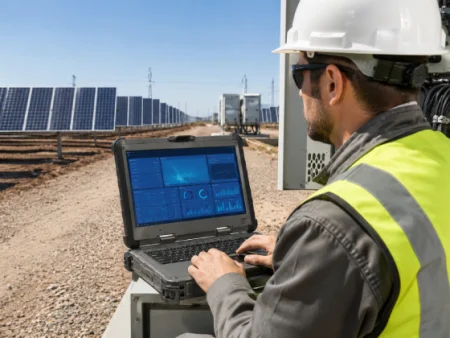
- Utility personnel
- Mobile repair professionals
- Manufacturing employees
- Fleet and transportation teams
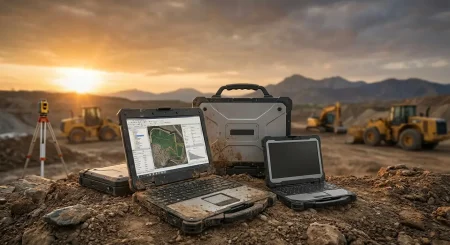
- Construction managers
- Public-sector departments
For these users, practical features such as a built-in carrying handle, sturdy case, usable screen size, and replaceable or configurable components can sometimes matter more than ultra-thin construction.
Why Refurbished Rugged Computers Remain Relevant
Businesses do not always need the latest laptop generation to run established software or handle everyday operational tasks.
A properly selected refurbished rugged computer may provide a practical route for organizations running legacy applications, maintaining older equipment systems, equipping secondary workstations, or expanding a field fleet while controlling hardware costs.
There is an important distinction, however, between simply buying an inexpensive used laptop and purchasing equipment configured for a particular business requirement.
Buyers should consider the condition of the machine, installed hardware, storage health, battery condition, required ports, operating system compatibility, and available warranty before making a decision.
Questions to Ask Before Purchasing
Before selecting a CF-52 configuration, start with the applications the laptop needs to run.
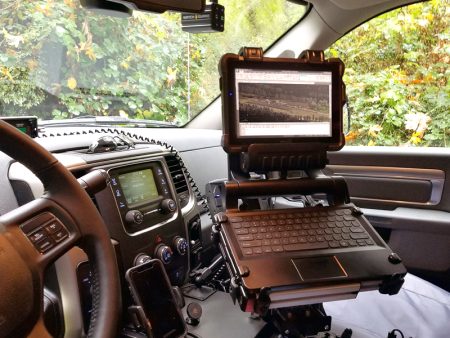
Determine how much memory those programs require, how much local storage employees need, and whether any specialized ports or connectivity options are necessary. Consider whether the computer will spend most of its time inside a building, mounted or stored in a vehicle, or carried between locations.
Battery expectations should also be realistic. Older rugged laptops may be used primarily with vehicle or AC power, while mobile teams may need stronger battery performance.
Taking time to define these requirements makes it easier to select the right configuration and avoid paying for components that provide little benefit to the actual job.
Choose Rugged Hardware Around the Work
The right business laptop is not necessarily the newest device on the market. It is the computer that can support the required software, working conditions, connectivity, and daily workflow at a sensible cost. Organizations considering the CF-52 should compare available configurations carefully and select hardware based on how employees will actually use it. Visit Tough Rugged Laptops to review rugged computing options, compare available configurations, and find equipment suited to professional field and workplace requirements.