



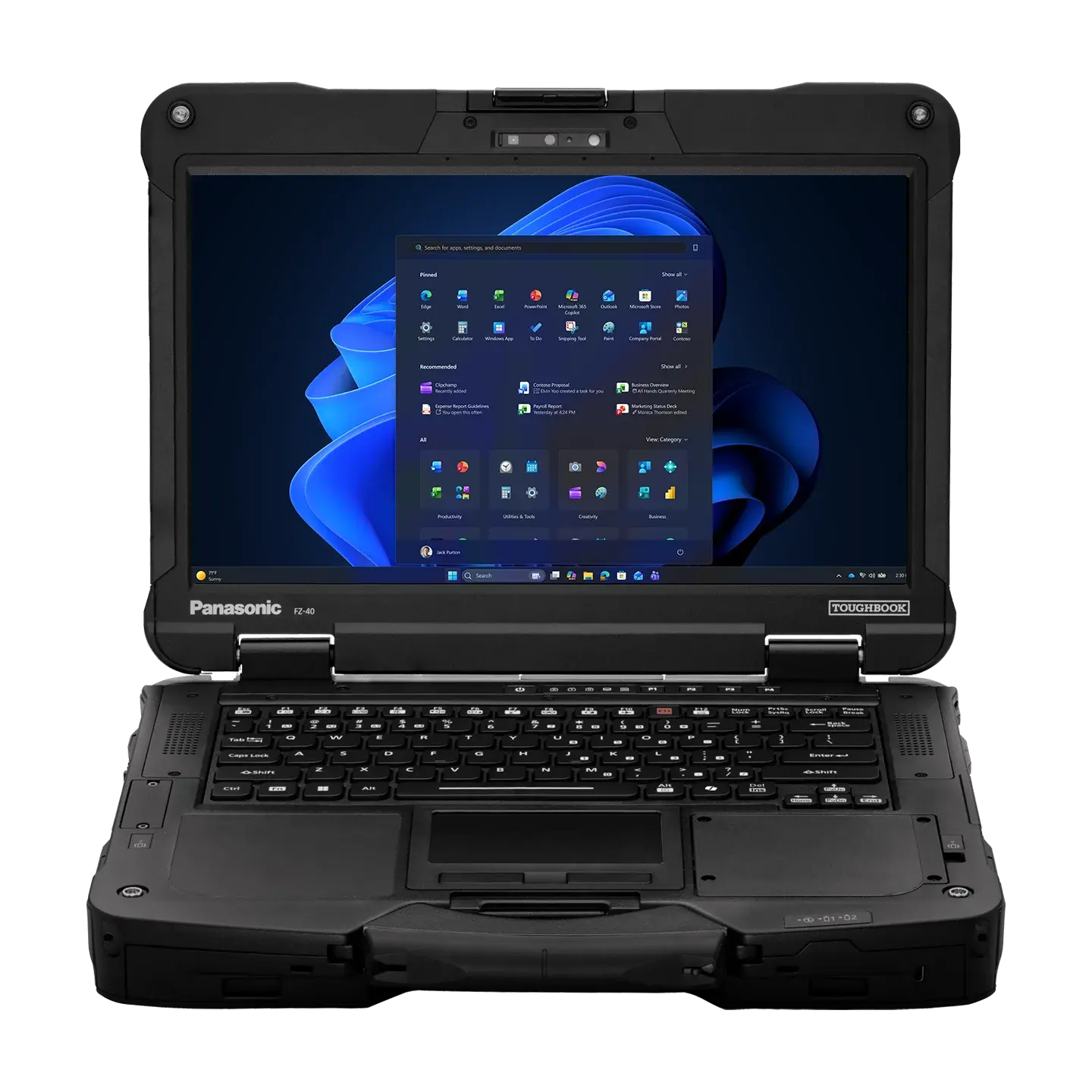
Field service employees need dependable access to work orders, customer records, maps, diagnostic programs, and communication platforms wherever their assignments take them. A standard consumer computer may perform well in an office but struggle with dust, vibration, moisture, and frequent transportation. A panasonic toughbook gives mobile professionals a computing platform built for conditions that can quickly damage conventional equipment.
Built for Demanding Work Environments
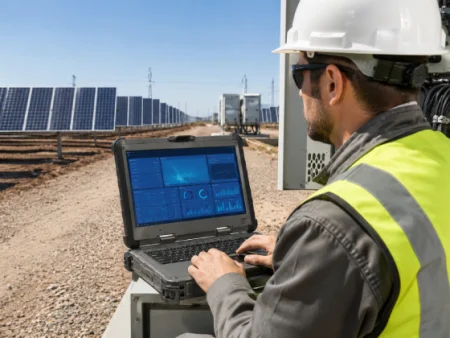
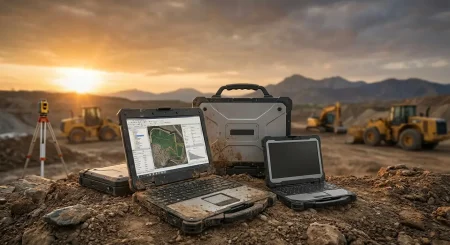
Field computers may be used inside service vans, construction areas, warehouses, utility sites, manufacturing plants, and outdoor inspection locations. In these settings, accidental drops and exposure to dirt or moisture are regular business risks rather than unusual events.
Rugged computers are designed with reinforced frames, protected internal components, and sealed areas that help reduce damage. Depending on the model, the device may also be tested for resistance to vibration, temperature changes, dust, and water.
Organizations should still review the specifications of each model carefully. Not every rugged device provides the same degree of protection, and the most suitable choice depends on the employee’s actual working environment.
Less Downtime During Critical Assignments
Computer failure can bring field operations to a stop. A technician who cannot access service records may need to contact the office, complete paperwork manually, or postpone a repair. The immediate equipment cost may be small compared with the resulting labor delays, repeat visits, and missed appointments.
Rugged computers can help reduce these disruptions by offering greater physical protection during daily use. Employees can move between vehicles and worksites without treating the device like fragile office equipment.
Dependability is especially important for public safety, utilities, transportation, and emergency services. In these fields, access to information can directly affect response times and employee coordination.
Displays Designed for Outdoor Visibility
A computer used outdoors needs more than a durable case. Employees must be able to read the screen in bright sunlight, low-light areas, and changing weather conditions.
Many Toughbook models are available with high-brightness or daylight-readable displays. Anti-reflective screen treatments can also make maps, forms, and diagrams easier to view outside.
Touchscreen capabilities may support faster data entry when employees are standing or moving between locations. Buyers should check whether a screen supports gloved input, stylus use, or operation in wet conditions. These details can have a major effect on everyday usability.
Power Options for Long Shifts
Field employees may spend an entire shift away from a reliable electrical outlet. Battery performance must therefore be considered alongside durability and processing power.
The required runtime depends on the employee’s schedule, software, screen brightness, wireless connections, and access to vehicle power. A model with a removable or extended battery may be helpful for long shifts. Some configurations also support battery replacement without shutting down the computer.
Vehicle adapters and powered docks provide another practical option. They allow employees to recharge devices while traveling between assignments and may reduce the number of spare batteries an organization needs to purchase.
Connections for Specialized Equipment
Many field roles require computers to communicate with equipment that is not normally used in an office. Examples include barcode scanners, vehicle diagnostic systems, measurement instruments, printers, cameras, and industrial machinery.
Before purchasing computers, an organization should list every physical port and wireless connection required by its employees. USB ports, Ethernet, serial connections, Bluetooth, Wi-Fi, GPS, and cellular capabilities may all be relevant.
Selecting the correct configuration from the beginning can reduce dependence on external adapters. It can also make deployment easier for IT teams and give workers a cleaner, more practical mobile workstation.
Support for Vehicle Mounting and Docking
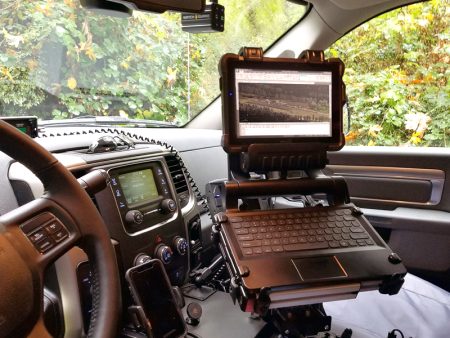
A Toughbook may be used as both a portable computer and a fixed vehicle workstation. Compatible docks and mounting systems can hold the device securely while giving employees access to charging, antennas, external displays, and other connected equipment.
This setup is common in police vehicles, ambulances, utility trucks, delivery fleets, and field service vans. A properly selected dock can help keep the device stable during travel while allowing it to be removed when employees need to work outside the vehicle.
Companies should confirm dock compatibility before placing a large computer order. Model dimensions, connection points, antenna options, and available space inside the vehicle can affect installation.
Security and Business Device Management
Physical durability does not replace digital security. Field computers may contain customer information, infrastructure records, location data, or other sensitive business material.
Buyers should review available security features, including hardware-based authentication, encrypted storage, user access controls, and remote device management. IT teams should also confirm that the operating system works with existing security policies and business applications.
A rugged computer should meet the same cybersecurity standards as an office workstation, particularly when it connects to public or cellular networks.
New and Refurbished Options
A new device may be preferred when a business needs current processors, specific warranty coverage, or a configuration intended to remain in service for several years. Refurbished Toughbooks can be a practical choice for organizations with tighter budgets or roles that do not require the latest hardware.
When evaluating a refurbished unit, buyers should check its condition, battery health, included components, operating system, upgrade choices, and warranty. The lowest advertised price is not always the lowest long-term cost.
The right rugged computer can help field employees stay connected, complete assignments, and avoid equipment-related delays in challenging environments. Businesses ready to compare new and refurbished models, accessories, docks, and configuration choices can visit Tough Rugged Laptops to find a field-ready computer that matches their operational requirements.